Best laptop sleeves
We may earn a commission when you buy through links on this page. It never changes what a guide says. How this works.
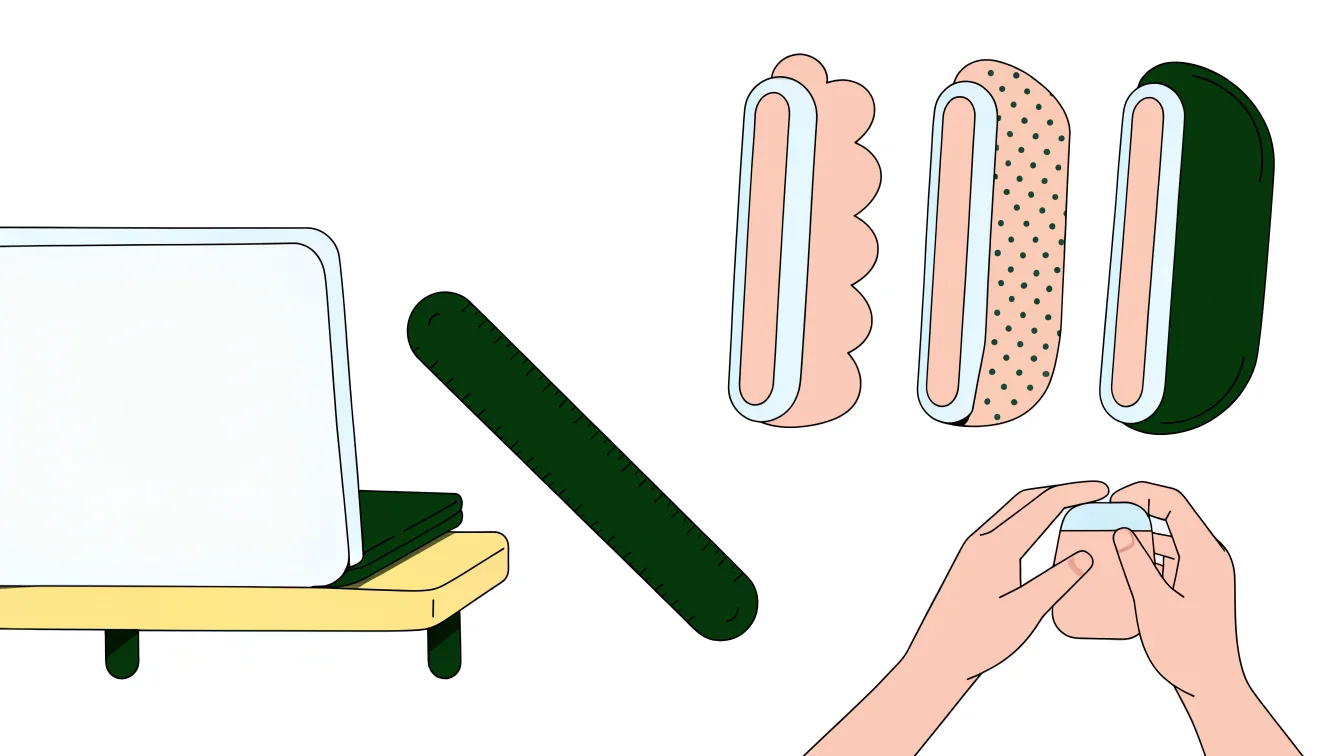
The best laptop sleeves are chosen by internal measurements first, then padding and access. Among the picks, tomtoc provides a fitted padded option, Targus adds removable carrying hardware, and Thule offers a rigid exterior. Check the sleeve’s outside dimensions before putting it inside another bag.
Quick picks
| Pick | Best for | Key spec | Price tier |
|---|---|---|---|
| tomtoc Defender-A13 Laptop Sleeve for 14 inch MacBook Pro | A fitted sleeve with accessory storage | 12.31 × 8.71 × 0.61-inch interior | $ |
| Targus 14" Vertical Slipcase with Hideaway Handles | Carrying the sleeve on its own between meetings | 9.60 × 13.90-inch compartment, 0.81 lb | $ |
| Thule Gauntlet, sleeve MacBook Pro 16" | A rigid shell for a 16-inch laptop | 14.1 × 9.8 × 0.7-inch compartment | $$ |
| Case Logic LAPS, laptop sleeve 14" | A simple EVA-padded sleeve | 13.8 × 1.4 × 10.0-inch exterior | $ |
| WaterField PC Laptop SleeveCase | A laptop that falls between standard size labels | More than 300 sizes in half-inch increments | $$ |
Tiers use manufacturer list prices: $ under $50; $$ $50–$149; $$$ $150–$299; $$$$ $300 and up. Optional accessories can change the configuration’s price.
These are sleeves for different carrying routines, not a ranking of impact protection. Three picks are 14-inch versions, the Thule is the 16-inch version and the WaterField is ordered by your laptop’s own dimensions, so check the size variant for your laptop on the maker’s page.
If you need space for lunch, files and bulky chargers, start with the broader laptop bags guide. A sleeve should solve the computer-fit problem without becoming an overstuffed miniature briefcase.
How we chose
bags.net did not test these sleeves. We reviewed manufacturers’ US product pages and compared internal measurements, exterior size, padding descriptions, closure design and carrying features.
Price tiers use each maker’s standard list price, not a sale or in-cart price. Warranty terms are named only where the product page shows them.
Maker pages were checked in November 2026. Recommendations reflect published construction and fit information, not independent drop results. Where a maker does not publish a measurement, the pick says so.
What to look for

1. Get all three computer measurements
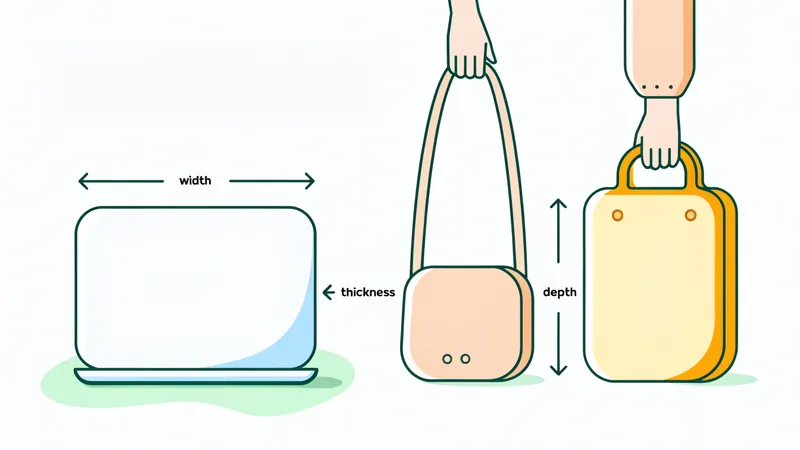
Close the laptop and measure its width, depth and thickness. Include any shell, raised feet or other attached parts that affect fit.
For an illustrative laptop measuring 12 × 8.5 × 0.7 inches, a sleeve with a 0.6-inch thickness limit fails the comparison. Extra width does not cancel insufficient thickness.
A listed screen diagonal only helps identify a product category. It does not describe the computer’s chassis or the sleeve’s usable opening.
Use our bag sizes guide to keep internal and external measurements separate. Record the unit and the maker’s dimension order alongside each figure.
2. Check the sleeve-to-bag fit separately
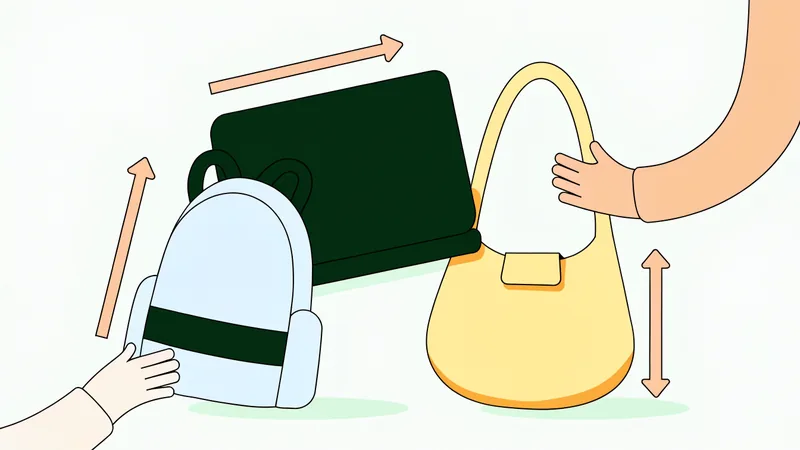
A sleeve needs to fit your laptop; the loaded sleeve then needs to fit your larger bag. These are two separate checks.
Compare the sleeve’s exterior with your bag’s usable compartment and opening. The Case Logic LAPS 14-inch sleeve is 13.8 × 1.4 × 10.0 inches outside, and that exterior, not the laptop’s own size, is what has to clear your bag’s pocket.
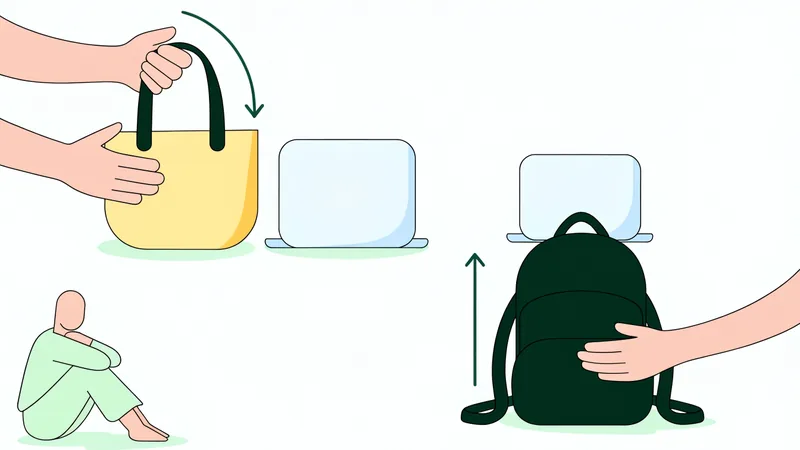
Also consider extraction: can you reach the sleeve’s closure while it sits in the bag? If not, plan on removing the whole sleeve each time.
3. Understand the padding description
| Construction example | Published feature | What still needs checking |
|---|---|---|
| Targus Vertical Slipcase | Cushioned neoprene shell | Laptop thickness and bag fit |
| Case Logic LAPS | Soft EVA padding | Internal cavity dimensions |
| Thule Gauntlet | Rigid exterior and padded interior | Exact device compatibility |
These descriptions explain construction. They do not supply a common test result that lets us declare one sleeve more protective than another.
For terminology beyond this shortlist, see the bag materials guide.
4. Decide where the charger belongs
Ask whether you need a sleeve pocket at all. If your backpack already organizes accessories, a charger pocket only adds bulk: the tomtoc is 1.57 inches thick outside against a 0.61-inch cavity.
Keep the computer compartment for the computer unless the maker explicitly designs it for other items. Put bulky accessories in their intended pocket or a separate organizer.
Check the sleeve’s exterior again with its accessory pocket loaded. An empty-pocket measurement may not describe the space your actual packing arrangement requires.
The best laptop sleeves: five picks
tomtoc Defender-A13 Laptop Sleeve for 14 inch MacBook Pro: best for fitted padding and a front pocket
This variant suits a 14-inch MacBook Pro owner who wants every interior dimension published before ordering. Its front pocket keeps a charger out of the laptop compartment.
| Verified spec | Maker’s figure or feature |
|---|---|
| Internal dimensions, maker’s order | 12.31 × 8.71 × 0.61 inches |
| External dimensions, maker’s order | 13.78 × 9.84 × 1.57 inches |
| Front pocket | 10.04 × 8.07 inches |
| Construction | CornerArmor, soft padding and YKK zippers |
| Warranty | 2-year warranty badge on the product page; terms are not set out there |
Price tier: $, from the regular list price.
Watch out for: The listed cavity is only 0.61 inches thick. Do not assume an added laptop shell will fit.
Targus 14" Vertical Slipcase with Hideaway Handles: best for optional standalone carrying
Choose this if you move between carrying the sleeve alone and placing it in a larger bag. The shoulder strap removes and the handles tuck away.
| Verified spec | Maker’s figure or feature |
|---|---|
| Empty weight | 0.81 lb |
| Laptop compartment, W × H | 9.60 × 13.90 inches |
| Shell | Neoprene |
| Organization | Front zippered accessory pocket |
Price tier: $, from the regular price.
Watch out for: Targus publishes the compartment’s width and height but not its thickness. Ask for it before ordering for a thicker laptop.
Thule Gauntlet, sleeve MacBook Pro 16": best for a rigid clamshell design
The selected version is the black sleeve for the 16-inch laptop category, model 3205412. Choose it for its rigid construction; Thule does not publish a drop rating for it.
| Verified spec | Maker’s figure or feature |
|---|---|
| Exterior, L × W × H | 15.1 × 1.2 × 10.7 inches |
| Laptop compartment | 14.1 × 9.8 × 0.7 inches |
| Empty weight | 1.1 lb |
| Material | Polyurethane |
Price tier: $$, from the US listing.
Watch out for: The description’s 9.7-inch fit figure differs from the 9.8-inch compartment figure. Ask Thule before choosing a borderline device.
Case Logic LAPS, laptop sleeve 14": best for a simple EVA-padded option
The LAPS214 is the plain option: soft EVA padding, an asymmetrical zipper and 0.3 lb empty, the lightest pick with a published weight.
| Verified spec | Maker’s figure or feature |
|---|---|
| Exterior, L × W × H | 13.8 × 1.4 × 10.0 inches |
| Empty weight | 0.3 lb |
| Material | Recycled poly jersey and virgin EVA |
| Opening hardware | Metal zipper pullers |
Price tier: $, from the US listing.
Watch out for: Case Logic does not list internal dimensions. Do not use the exterior figures as laptop-fit limits.
WaterField PC Laptop SleeveCase: best for size-specific ordering
Choose this when no standard size label matches your laptop. WaterField asks for your laptop’s actual dimensions and offers vertical or horizontal orientation.
| Verified spec | Maker’s feature |
|---|---|
| Interior | Neoprene |
| Exterior choices | Ballistic nylon or waxed canvas |
| Trim | Full-grain leather accents |
| Sizing | More than 300 sizes in half-inch increments |
Price tier: $$; optional accessories cost extra.
Watch out for: Dimensions and weight vary by selected model. Request the finished exterior size before assuming it will fit your existing backpack compartment.
Which one should you buy?
The best laptop sleeves for you are the ones left after a fit check. First rule out any sleeve that cannot take your measured laptop. Then decide whether you need handles, accessory storage or a particular opening direction.
If your laptop is a 14-inch MacBook Pro and you want every cavity dimension in writing, choose the tomtoc Defender-A13. If you carry the laptop between meetings without your main bag, choose the Targus for its strap and handles, once you have confirmed thickness with the maker.
If you have a 16-inch laptop and want a rigid shell, choose the Thule Gauntlet. Check its 14.1 × 9.8 × 0.7-inch compartment against your computer first, and ask Thule about the 9.7-inch figure if your laptop is close to the limit.
If you want the lightest plain sleeve, the Case Logic LAPS is the pick, but ask the maker for internal dimensions first. If your laptop’s dimensions fall outside the standard size labels, order the WaterField by your laptop’s own measurements.
Finally, consider your daily access routine. A sleeve that requires unpacking your entire bag to reach its opening may be the wrong shape for your setup.
FAQ
Should a laptop sleeve fit tightly?
Choose a close fit that follows the manufacturer’s dimensions and compatibility guidance. Do not force the computer past a closure or assume padding will stretch enough.
Include any attached shell when measuring. If the fit is borderline, ask the maker to confirm your exact device configuration.
Can I put a sleeve inside a backpack’s laptop pocket?
Yes, if the loaded sleeve fits the pocket and its opening without force. Check the sleeve’s outside dimensions against the usable bag space, rather than comparing only laptop sizes. Also check whether you can withdraw it easily with your normal daily load already packed.
Is neoprene better than a rigid laptop sleeve?
The material name alone does not establish better protection. Compare the complete construction, fit and any clearly documented test conditions.
tomtoc describes its sleeve as military-standard drop-tested, but its page gives no test height or conditions, and the other four makers list no drop result. That leaves nothing to compare, so choose around your carrying routine and do not read a rigid exterior as a guarantee against damage.
Do all 14-inch laptop sleeves fit the same computers?
No. A screen-size label omits chassis width, depth and thickness, and sleeves with the same label differ. Among the 14-inch picks here, tomtoc lists a 12.31 × 8.71 × 0.61-inch interior, while Targus lists a 9.60 × 13.90-inch compartment and no thickness.
Measure your computer, check the exact size variant and request confirmation where internal dimensions are missing.
Sources
- thule.com/en-us/laptop-bags-sleeves/laptop-sleeves-and-cases/thule-gauntlet-macbook-pro…
- us.targus.com/products/vertical-14-inch-laptop-slipcase-sleeve-with-hideaway-handles-ts…
- tomtoc.com/products/360-protective-sleeve-14-inch-macbook-pro-m4
- caselogic.com/en-us/laptop-bags/laptop-sleeves/case-logic-laps-laptop-sleeve-14-_-3205515
- sfbags.com/products/pc-laptop-sleevecase