Gaming backpacks and console bags

A gaming backpack should fit the computer's complete chassis and the accessories you actually carry, rather than its screen size alone. Console carriers need the same attention to exact-model fit. Start with measurements, then compare protective construction, access, empty weight, and your travel requirements.
Which gaming backpack or console carrier do you need?
Begin with a packing list organized around the main device. Write down its exact model, transport configuration, power supply, and the accessories needed at your destination.
Then identify the carrying format. A laptop pack, handheld case, and carrier for a larger console solve different packing problems.
Published laptop-pack features include a padded computer compartment and accessory storage. A handheld-case example instead describes a fitted console area, a padded screen cover, and a small mesh accessory pocket. Backpack layout Handheld-case layout
Use this table to decide what to assess.
| Format | Equipment group | First fit check | Additional space to plan |
|---|---|---|---|
| Laptop backpack | Computer and computer accessories | Complete chassis inside the laptop compartment | Power supply, peripherals, and personal items |
| Handheld-console case | Handheld in its specified storage configuration | Exact device and controller arrangement | Permitted accessories in separate pockets |
| Console shoulder carrier | Larger console and a defined kit | Console body and any required transport fittings | Controllers, power supply, and cables |
| Mixed-device backpack | Laptop plus another gaming device | Each device in its intended compartment | Separate accessory groups and usable access |
For conventional alternatives, see laptop bags. Choose the format around the equipment, not the gaming label or exterior styling.
Measure the laptop chassis before comparing screen labels
A screen-size category should lead you to the compartment measurements. It should not replace them.
One manufacturer publishes both 17-inch and 18-inch compatibility labels. Its compartment measures approximately 16.34 × 11.54 × 1.02 inches (41.50 × 29.30 × 2.60 cm). Published fit information
Use those figures as a construction example, not a universal allowance for that screen class.
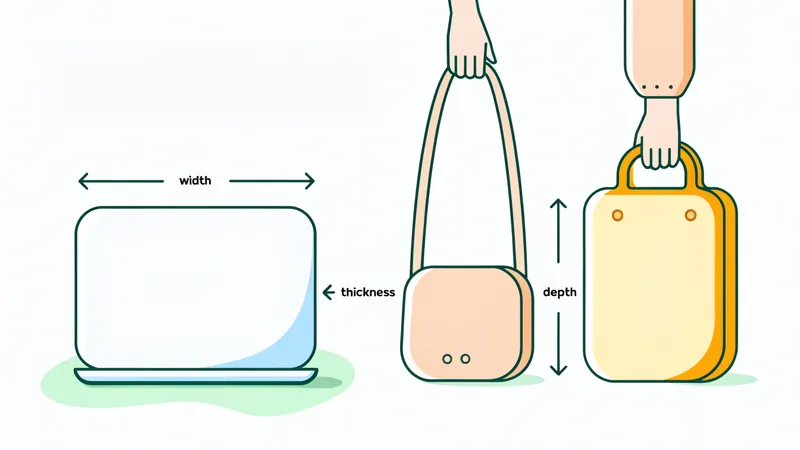
Measure your computer closed, including any protrusions and the protective cover you intend to keep attached. Record width, depth, and thickness.
Then establish which axes the compartment specification uses. Ask the maker when the order is unclear.
For a hypothetical comparison, a computer measuring 16 × 11 × 1.2 inches would exceed a compartment's stated 1.02-inch thickness. Passing the other measurements would not establish fit.
Finally, consider the opening. During an assessment, insert and remove the computer without forcing the zipper or changing the intended carrying configuration.
Keep the recorded measurements with the model name and fitted cover. Seek exact-model confirmation when published dimensions leave little room for normal insertion and removal.
Compare accessory space with the complete kit
Assign a location to each item before treating extra pockets as an advantage.
A published 27-liter design includes a separate laptop compartment, a headset loop, front pockets, and bottle pockets. Organization features
Another maker describes a reinforced interior, multiple accessory compartments, elastic side pockets, and a headset attachment loop. Construction description
Those descriptions identify features. They do not confirm that your particular headset or charger fits.
| Item | What to measure or identify | Packing assessment |
|---|---|---|
| Power supply | Body, plugs, and intended cable arrangement | It has a defined location outside the device sleeve |
| Headset | Stored shape or protective case | The assigned space accommodates that configuration |
| Mouse | Body and receiver storage | Small parts remain identifiable |
| Keyboard | Complete width, depth, and case | It fits without changing the laptop's position |
| Controller | Body and attached accessories | Its intended storage arrangement fits |
| Cables | The actual set needed | They are grouped for removal and repacking |
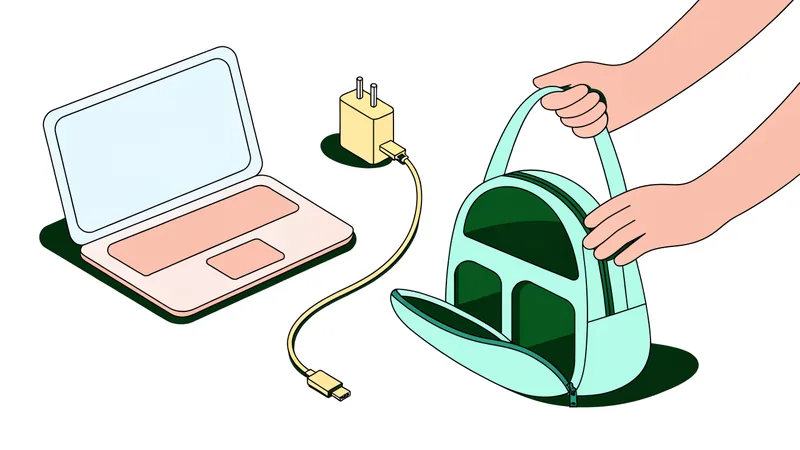
Pack the computer first, then the largest accessory. Add smaller items only after the main layout works.
Keep removable accessory kits grouped by use, such as charging or input devices. Focus on the trip rather than filling every available pocket.
Assess padding, structure, and material claims separately
A padded sleeve, a reinforced compartment, and a water-resistant exterior are different features. Look for a description of each requirement you need.
One maker describes padded laptop storage, a reinforced interior, a water-resistant shell, and coated zipper tape. Published construction details
A separate specification lists polyester and PU materials and describes the backpack as water-repellent. Material specification
Neither description should become an unsupported claim about a particular drop height, crushing force, or immersion condition.
During a physical assessment, identify where the device rests, what surrounds it, and how its compartment closes. Request construction diagrams if those details are not visible.
If you need quantified protection, seek the test information for the exact model. Match its conditions to your transport requirements.
Also establish how accessory compartments relate to the laptop area. Assess the fully loaded arrangement rather than examining the padding in an empty bag.
The laptop compartment protection guide explains related features. Treat the complete layout as the subject of your assessment, rather than assuming one protective-looking panel answers every concern.
Check console compatibility by model and configuration
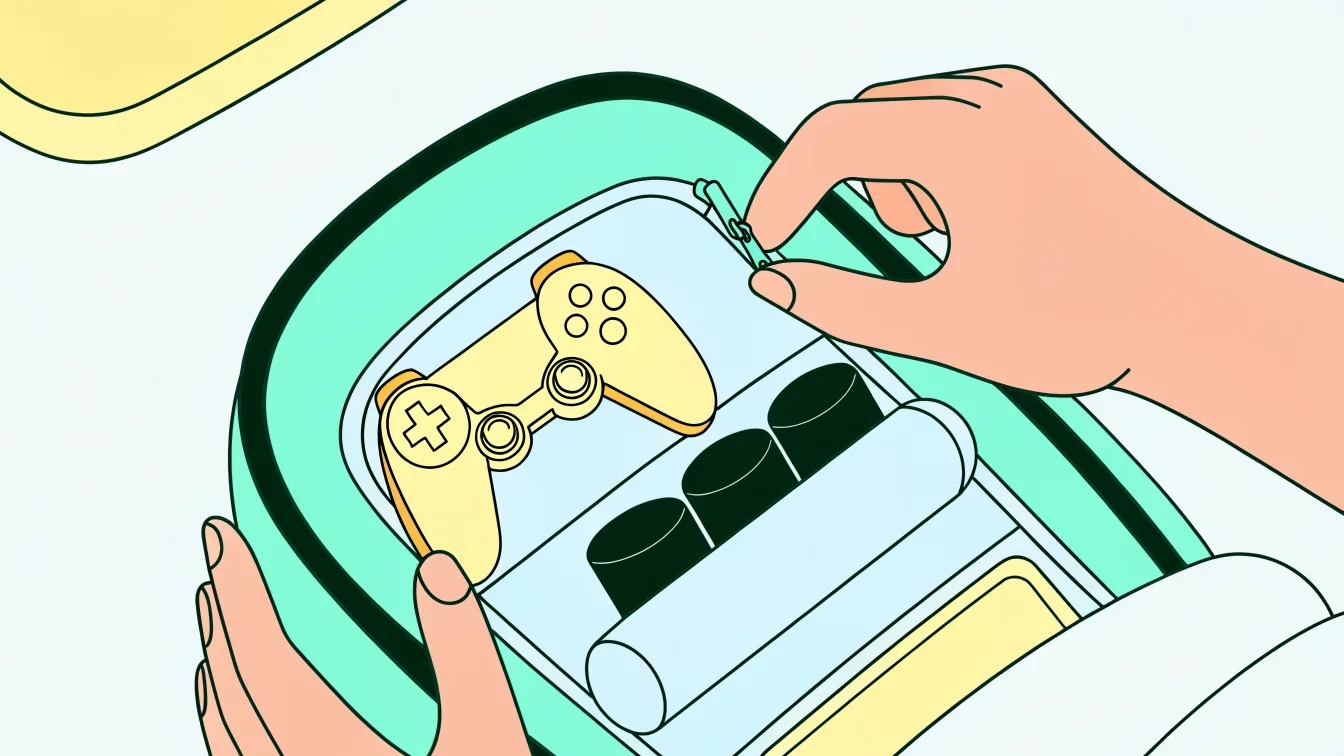
For a console carrier, identify the precise console version and the intended arrangement of controllers and accessories.
A handheld-case manual specifies that its matching controllers remain attached during storage. It also directs users not to leave the console switched on inside the case. Case-specific instructions
Those are instructions for that case and device combination. Do not transfer them automatically to another handheld or a larger console.
A different case maker lists compatibility with several handheld versions and provides an integrated stand that also serves as a padded screen cover. Compatibility and features
Read the instructions for the version you own, including any removable supports or inserts.
For a larger-console example, Case Club lists a fitted carrier for the PlayStation 5 Slim disc version. Its foam layout accommodates the console, one or two controllers, a vertical stand, one game disc, cords, and small accessories. Model-specific layout
That case lists a 17 × 12 × 7.37-inch interior. This describes the case interior, not the console's fitted cavity after foam is installed. Interior specification
Match the console variant and accessory set to that layout. Do not extend the Slim disc-version claim to a different console merely because its name is similar.
Plan separate locations for controllers, cables, and the power supply. Establish whether the product's photographs show the same accessories you intend to carry.
Close the carrier normally during the fit assessment. Do not use latch or zipper force as a method of making an uncertain fit work.
Plan carrying weight and storage around the packed bag
Capacity is not a weight rating. A volume figure describes storage, while your carrying assessment needs the weight of the complete setup.
A published backpack example weighs approximately 2.05 pounds (0.93 kg) before equipment is added. Empty-weight specification
Weigh your packed kit rather than estimating from the laptop alone. Include the charger, controllers, headset, and anything carried for work or study.
Next, map the route. Note stairs, walking sections, vehicle transfers, and where the bag will be stored.
Assess the intended straps and handles with that load. Follow the maker's instructions for adjustment and lifting.
If the bag includes a luggage pass-through, establish the intended orientation and how the packed arrangement sits on your luggage. One gaming-pack maker specifically describes a trolley strap. Carrying features
Avoid treating that attachment as a substitute for assessing the entire setup.
Finally, confirm that the bag still fits its everyday storage location when packed. A desk gap, locker, or vehicle space should be part of your size comparison.
Check airline limits and keep battery access practical
Compare the complete packed bag with the operating airline's current allowance.
Delta limits carry-ons to 22 × 14 × 9 inches (56 × 35 × 23 cm), including handles and wheels. It also specifies a combined maximum of 45 linear inches (114 cm). Checked November 2026. Delta dimensions
Those are operator-specific limits. Confirm requirements before travel; rules change.
Do not assume a computer-compartment label establishes carry-on compliance. Measure the exterior with accessories packed and anything attached.
Plan for a gate-check request. The FAA requires spare lithium batteries to remain in the cabin when a bag is checked at the gate. Checked November 2026. FAA guidance
Keep that battery group accessible rather than beneath the entire kit.
For permitted battery-powered devices in checked baggage, FAA guidance requires complete shutdown and protection against accidental activation or damage. Checked November 2026. FAA device guidance
Airline requirements may be stricter. Check the carrier's device policy and read airline baggage rules when planning the trip.
Keep care instructions with each component
Find the exact bag's care instructions before cleaning. Locate separate guidance for a fitted console case, removable insert, and electronic equipment.
Empty the carrier before following its approved cleaning method. Do not apply a bag-cleaning procedure to the computer or console; follow the relevant device manual.
Keep care labels and model information available for replacement-part questions. For a fitted insert, retain the console variant and accessory layout alongside the case model.
If the carrier includes removable parts, identify which may be detached and how they are refitted. Follow its instructions rather than treating every padded panel as removable.
Store loose, approved components with their matching carrier. Keep console-case supports separate from laptop organizers so parts are not mixed between setups.
Before the next use, inspect the closures and attachment points covered by the maker's instructions. Ask about damaged or missing components before relying on them.
Keep the equipment inventory separate from the cleaning record. That leaves care focused on the carrier and avoids rebuilding the entire packing plan during routine maintenance.
FAQ
Will a 17-inch laptop fit any gaming backpack?
Check the complete chassis dimensions against the usable compartment and opening. One published specification combines 17-inch and 18-inch compatibility labels with exact compartment measurements. Use those measurements and request model-specific confirmation when needed. The label alone does not establish fit for your computer. Specification example
Can I put a handheld console case inside a backpack?
Assess the loaded case's exterior against the destination compartment and opening. Include any required controller arrangement and accessories. Follow both the device and case instructions. One handheld-case manual requires attached controllers and a switched-off console during storage; those directions are specific to that setup. Manufacturer manual
Are gaming bags waterproof?
Read the exact claim. Published examples describe water-resistant shells or water-repellent materials. Those descriptions do not establish an immersion rating. If you need a particular protection level, request documentation for the complete model, including openings and seams. Follow its closure and care instructions. Construction example
Can a gaming bag be my carry-on?
Measure the packed exterior and compare it with every operating carrier's current size, weight, and baggage-count requirements. Delta lists 22 × 14 × 9 inches (56 × 35 × 23 cm), including handles and wheels. Checked November 2026. Confirm before travel and prepare for cabin-space limitations. Delta guidance
Related guides
Sources
- caseclub.com/product/playstation-5-slim-carry-case
- rog.asus.com/apparel-bags-gear/bags/rog-ranger-bp2701-gaming-backpack-model/spec
- ap.targus.com/products/17-3-strike-ii-gaming-backpack-black
- razer.com/newsroom/product-news/rogue-backpack-v4
- powera.com/p/nintendo/nintendo-switch-2/protection/protection-case-kit-for-nintendo-swi…
- nintendo.com/eu/media/downloads/support_1/nintendoswitch2/NSwitch2_Information_Carrying…
- delta.com/us/en/baggage/carry-on-baggage
- faa.gov/hazmat/packsafe/portable-electronic-devices-with-batteries